Find what you copied.
Retineo keeps a searchable history of text, links, and images in your Mac’s menu bar. Find a clip, preview it, and copy it back when you need it.
macOS 15 or later · Apple silicon and Intel
Interactive demo
⇧ ⌘ V
No matching clips
↑ ↓ SelectEsc Clear search
Keep the clips you need.
Your history stays on your Mac and works offline.
- Keep favorites at hand
- Pin clips you use often so they stay in history.
- Decide what gets captured
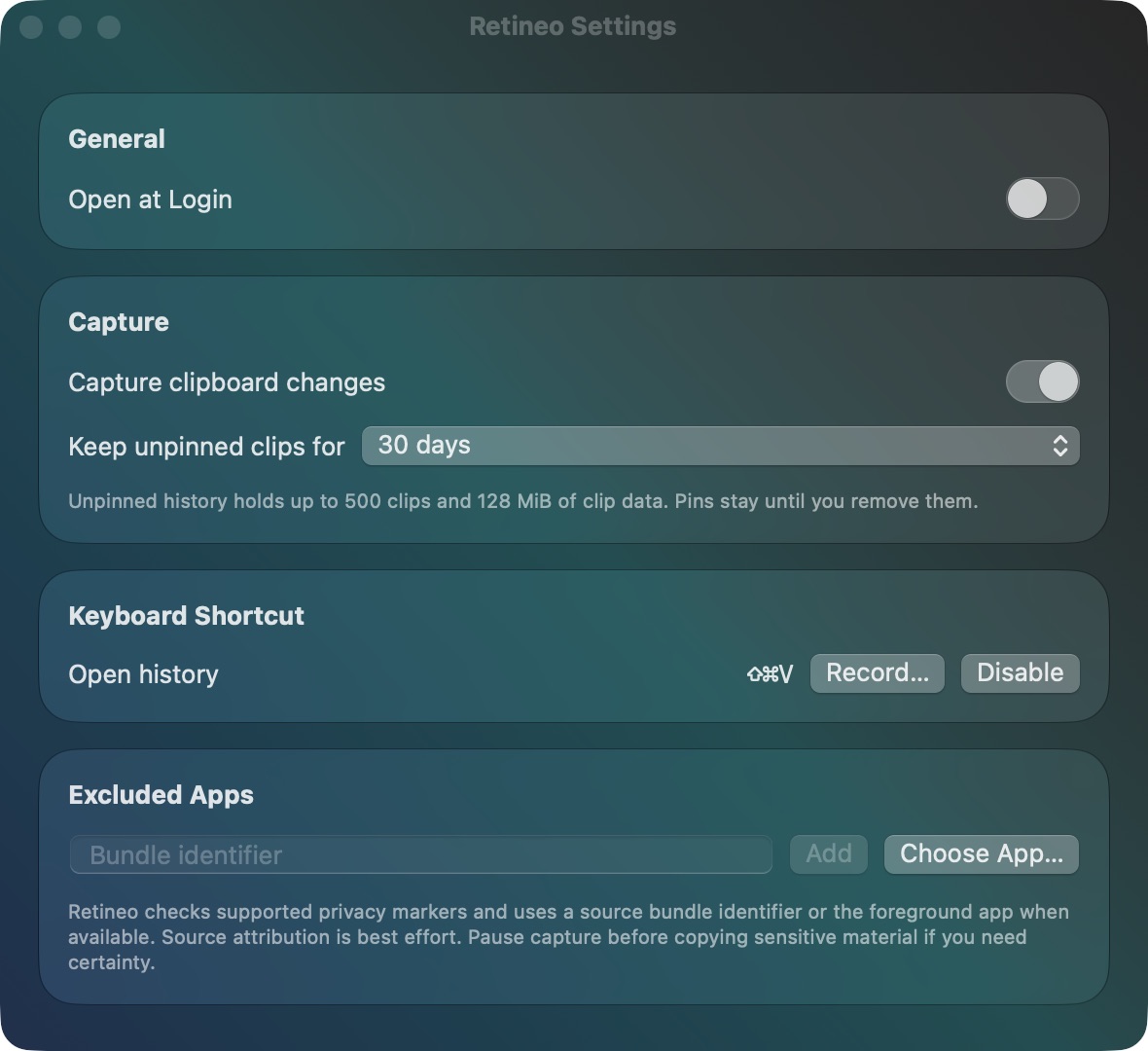
- Pause capture from the menu bar or exclude selected apps in Settings.
- Set a retention limit
- Choose how long to keep unpinned clips, or clear them from the picker.

Retineo for Mac
Requires macOS 15 or later.
Download for Mac
The public download is currently unavailable.